

Revision
A Quran revision app that tracks the verses you keep forgetting
Quran Loop is a free web app for revising the Quran you have memorized. When a verse slips, tap Mark weak while it plays; the verse goes on a list that shows how long it has been since you practised it, and a Revise row plays the few that are due today.
Free · No ads · Saving weak verses needs a free account
How it works
Mark it, see it, replay it, retire it
Revision is mostly noticing what is slipping before it is gone. Instead of a notebook, the marking happens as you listen, so you never stop the recitation to write anything down.
-
Mark the verse when it slips
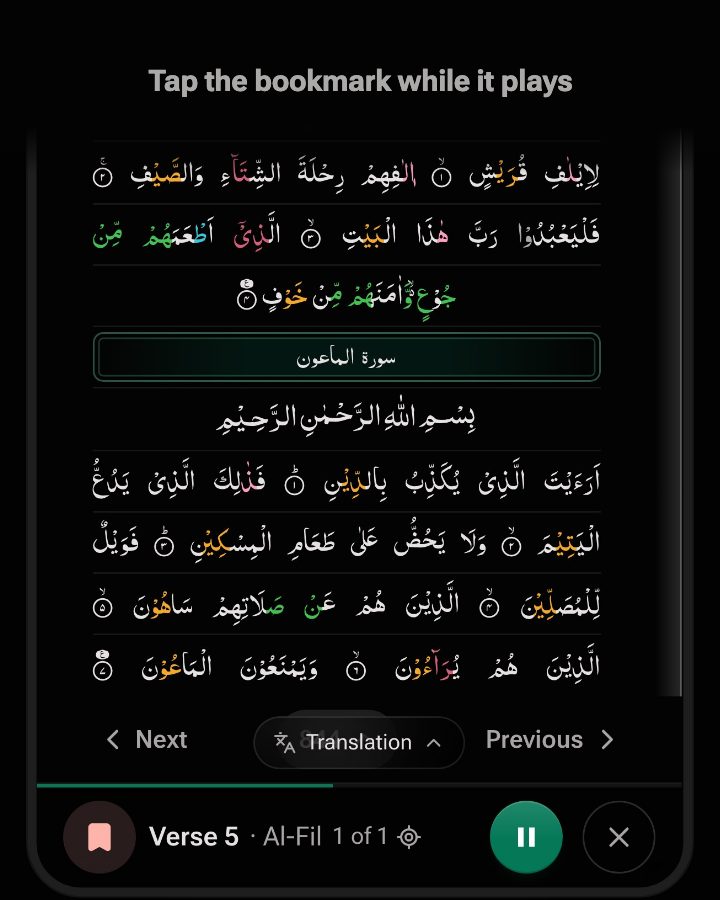
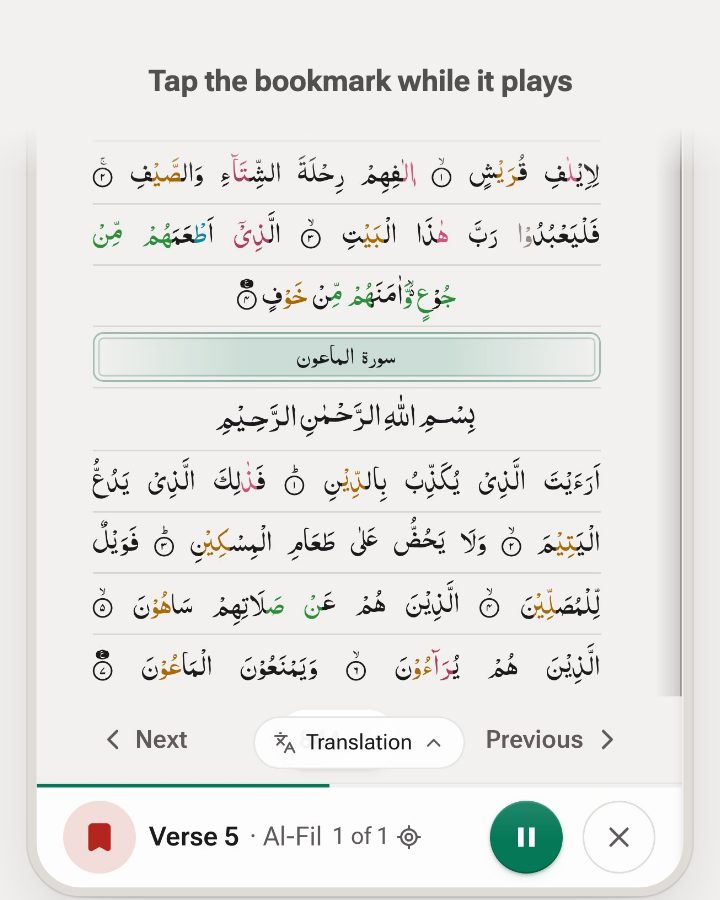
While a verse plays, tap Mark weak or press W. The recitation keeps going and the verse is underlined on the page. Tapped a moment late? A mark in the first 2 seconds of the next verse goes to the one that just ended.
-
See what has gone quiet
Weak verses keeps the list and says how long it has been, like “Not practised in 9 days”. A verse counts as practised when you hear it to the end.
-
Replay what is due today
The Revise row on the start screen plays today’s verses in Quran order, then reads “Revised today”. Or open Weak verses and press Practise to play the whole list back to back.
-
Mark it strong when it sticks
Swipe a verse right, or tap Mark strong. It moves to the Strong tab, where it comes up again after a month. If it slips later, Mark weak puts it back.
What “due today” means
A short daily set, not a backlog
The Revise row shows at most 5 verses a day: the ones you have gone longest without hearing, played in Quran order. If 60 are due you still see 5, and the rest come up on later days. Once you have played today’s set, the row reads “Revised today” and the count clears.
| Status | Due | Shows up in |
|---|---|---|
| Weak | After 7 days without hearing it to the end | Weak tab, the Revise row, today’s set |
| Strong | After 30 days | Strong tab; joins today’s set only when fewer than 5 weak verses are due |
Catch the verses that slip
Give the verses you are still learning more repeats
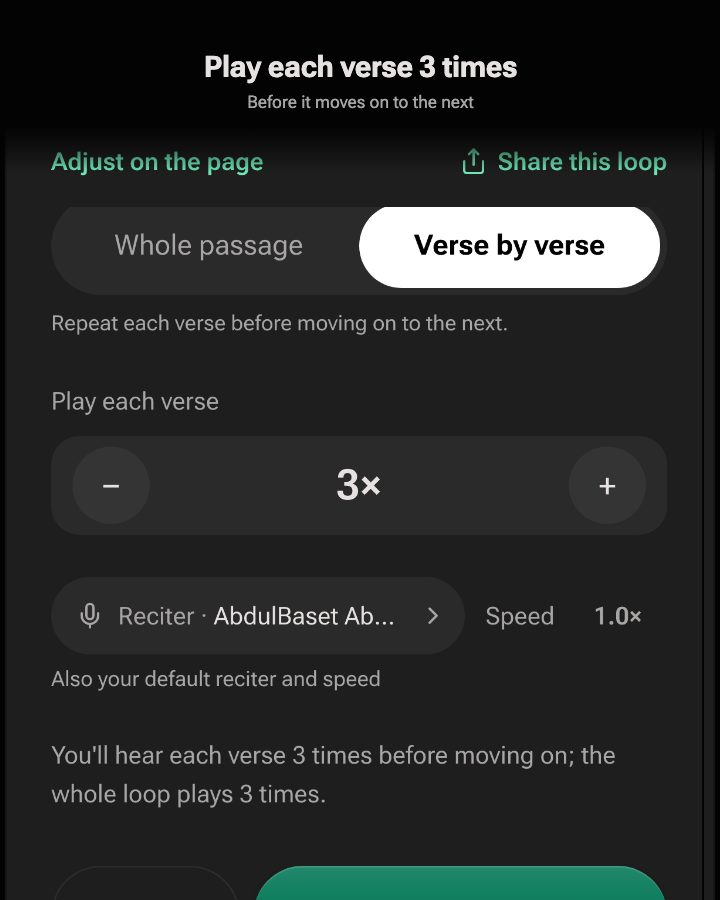
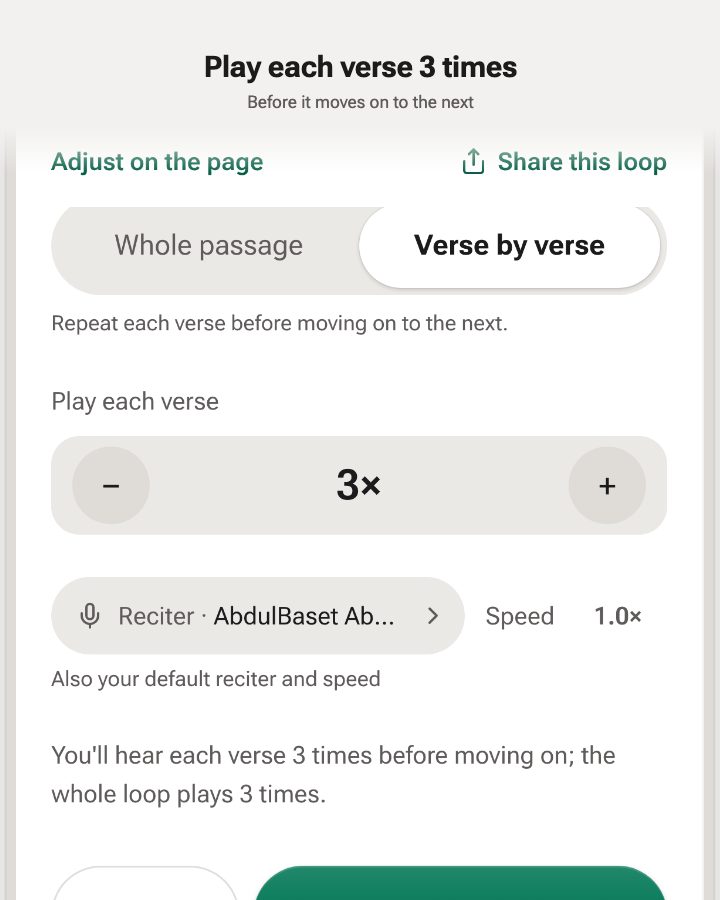
When a verse needs more time to settle, give it more passes than the rest. Choose Verse by verse and each verse plays up to 100 times before the next one, with your reciter, each word lit as it is recited.
Revising a page? “Loop weak verses here”, in the page menu, plays only that page’s weak verses.
- Play each verse 2×, 3× or up to 100× before the next one.
- Repeat the whole loop 1, 3, 5, 10 or 20 times, or until you stop.
- Slow the recitation to 0.75× or 0.5× for a new lesson.
Test and revise
Check what you remember, not just what you hear
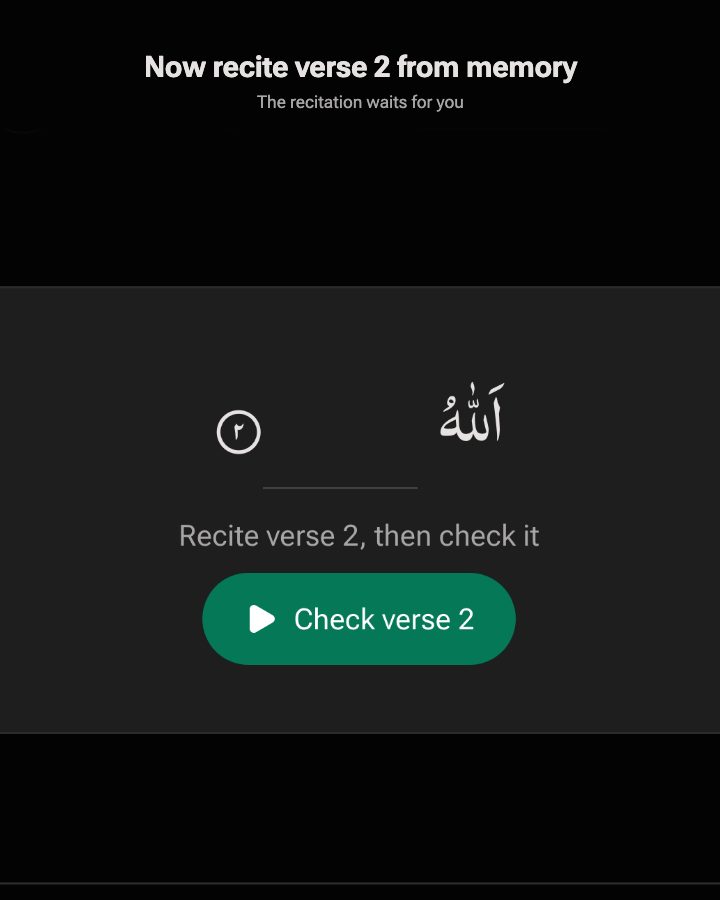
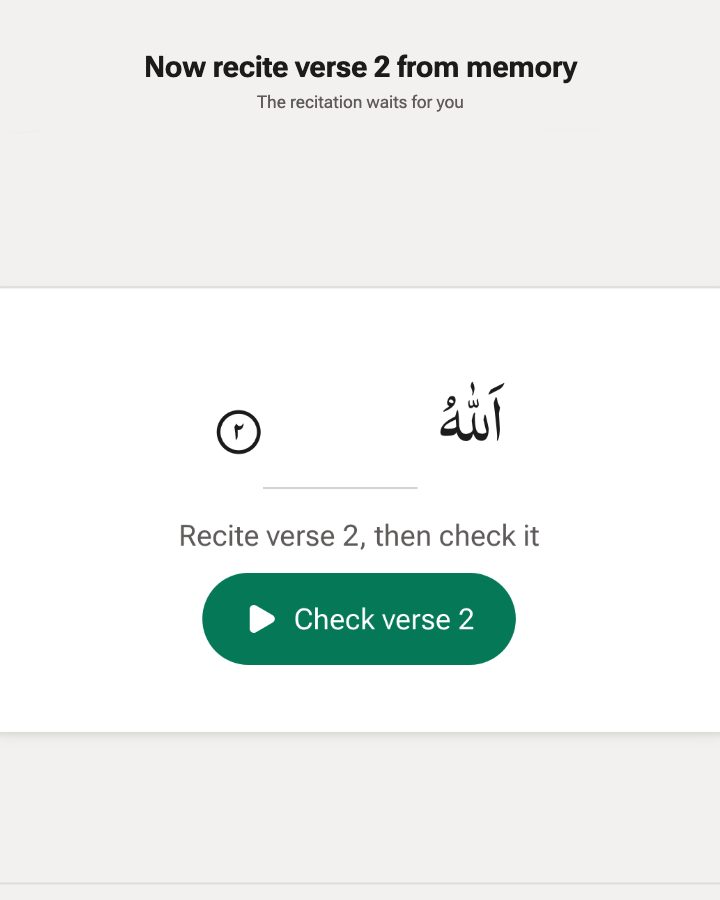
Listening can feel like remembering. Turn on Test yourself and only the first word of each verse shows: recite the rest from memory, then check it against the recitation.
- In Verse view, playback stops before each verse: “Recite verse 2, then check it”. Tap Check to hear it.
- On the Mushaf page, every verse keeps only its first word, so you can test a whole page.
- Turn off the word highlight to test your listening recall.
Test and revise
Put your revision loops in a daily playlist
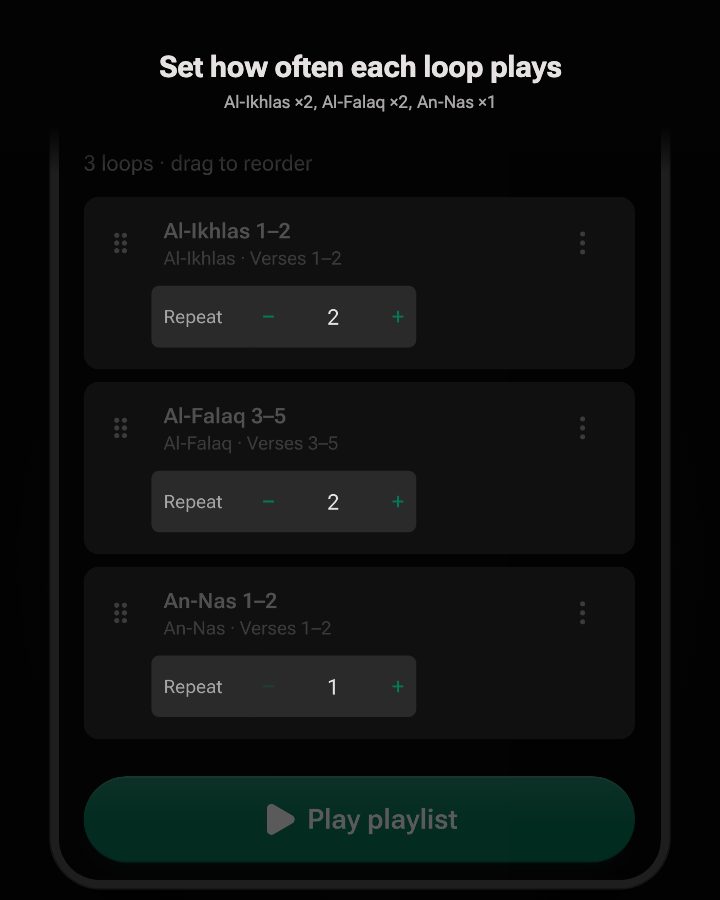
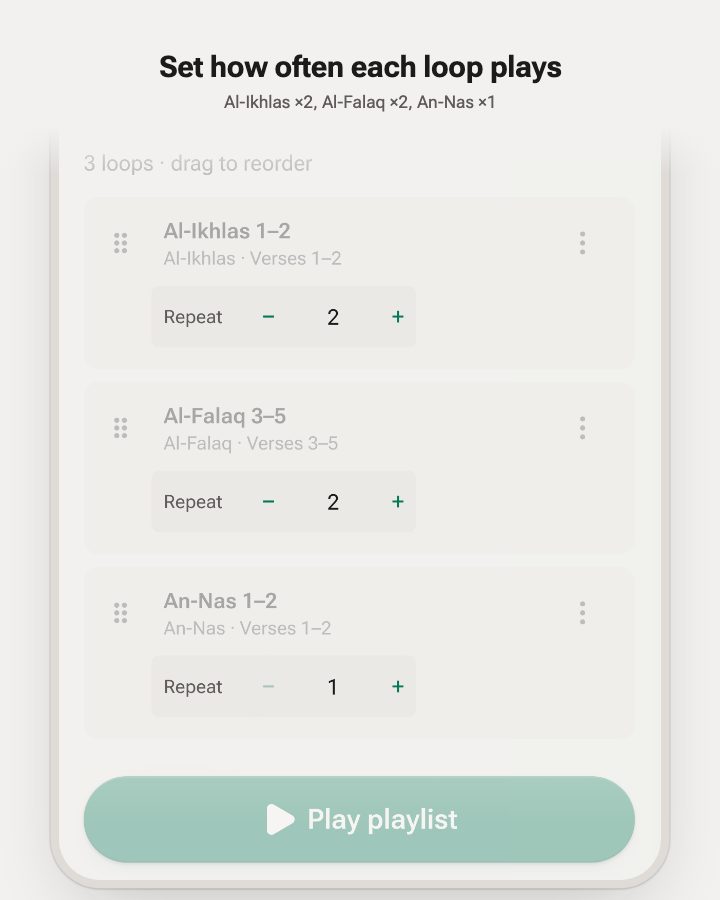
Group the loops you revise into a playlist and press play once: each loop plays its own repeat count, then the next one starts by itself, and the playlist can start over at the end.
- Today: Continue with the next lines, replay Recent pages, or revise the Juz of the day.
- Share this loop sends a link that opens the same verses on the Mushaf, ready to play. No account needed to open it.
- Drag loops into the order you revise in, and give each its own repeat count.
Where it fits
What it does, and what it leaves to you
-
You decide what is weak
Quran Loop does not listen to your recitation or grade it. You mark the verses you stumble on, which is the same judgement a teacher asks of you. A qualified teacher stays the authority on tajweed and accuracy.
-
Recall, not just listening
Turn on Test yourself to hide a verse down to its first word, recite it, then check. Revision counts when you recite from memory, and listening alone is only preparation.
-
Verse by verse, inside a plan
Weak verses are the fix-it layer. The rotation of recent and older review is in how to revise the Quran, and a playlist can hold the loops you revise each day. For how many repeats a verse needs, see how many times to repeat a verse; to compare tools, see other apps for revision below.
Other apps
Other apps for revising the Quran
We make Quran Loop, which is in the table, so read this as a comparison by one of the apps. Quran Loop is the pick for replaying the verses that slip, free, in a browser. Several apps below do things it does not: they listen to your recitation or schedule each review for you. Every fact comes from the app’s own listing or site, checked 11 October 2026; “not stated” means we did not find it there.
| App | Best for | How it handles revision | Checks your recitation | Platforms and price (as of Oct 2026) |
|---|---|---|---|---|
| Tarteel | Reciting to an app that listens | Smart Goals can target revision (for example “Review Juz 30”); a Test Mode drops you at random places in what you have memorized. | Yes, on Premium: flags wrong and skipped words | iPhone and iPad. Free tier; Premium $14.99 a month to $239.99 a year; Alim program down to $0 |
| SABR | A guided plan with a review schedule and a coach | A spaced-repetition engine schedules your reviews. | Yes: AI coach, word-level, tajweed-aware | iOS, Android and a browser demo. Free to start |
| Thabat | Daily recall quizzes and similar verses | Builds a short daily plan with due or shaky portions first; quizzes include continue the verse, fill the blank and spot the swapped word; drills pairs of similar passages (mutashabihat). | Yes: recite aloud and each word is marked correct, missed or replaced | iPhone only. Free; Thabat Plus $7.99 a month or $64.90 a year |
| Retain Quran | A free app with flashcard-style spaced repetition | Flashcards schedule reviews, with a view of upcoming reviews, daily targets and progress heatmaps. | Beta: flags skipped or wrong words, not tashkeel or tajweed | iPhone and iPad. Free and ad-free |
| Murajaa | Planning a full revision cycle of everything you know | You choose the cycle length and the app spreads what you memorized across it, in five slots tied to the daily prayers; missed days move later. A quiz asks for the previous or next verse. | No: you mark your own errors, and teachers can add corrections | iOS and Android. Free, no ads |
| Tasmi | A review deck on iPhone (very new: one rating) | Memorized ayahs go to a review deck with spaced repetition: cards with first-word prompts, gap-fills and meaning recall. | Not stated | iPhone, iOS 18.6 or later. Free, no in-app purchases listed |
| Quran Loop (us) | Finding the verses that slip and replaying them by listening | Mark weak while listening; weak verses are due after 7 days and strong ones after 30 (fixed, not adaptive); the Revise row plays up to 5 a day; Test yourself hides all but the first word. | No | Any browser, installable on most phones. Free, no ads |
Prices, free tiers and features can change at any time, and the figures above are as of 11 October 2026. Check each app’s own site or store listing for its current details before you pay. We recheck this table every 90 days.
Which one fits you?
- You want an app to hear you recite. Tarteel, SABR or Thabat. Retain Quran does it too, in beta.
- You want a timetable for everything you have memorized. Murajaa plans a cycle you set. SABR, Retain Quran and Tasmi schedule individual reviews.
- You mix up similar verses. Thabat drills similar passages and shows where they differ. In Quran Loop you can mark both verses weak and loop them back to back.
- You want to replay the verses that slipped, free, in a browser. Quran Loop. It does not listen to you, so pair it with a teacher or Test yourself.
No app replaces a teacher who hears you recite. For a wider comparison that includes apps for learning new verses, see the best Quran memorization apps, the Tarteel alternatives and the free Quran memorization apps.
Frequently asked questions
What is a weak verse in Quran Loop?
A weak verse is one you mark while listening because you stumbled on it or lost your place. Quran Loop saves it to a Weak verses list, shows how long it has been since you practised it, and lets you play just those verses again. When one sticks you mark it strong.
How can I keep track of the Quran verses I keep forgetting?
Listen with Quran Loop and tap Mark weak (or press W) the moment a verse slips; it keeps playing. Every marked verse goes to Weak verses with a “Not practised in…” cue, so the list is a record of what you actually forgot, in your own words and not a guess.
What app helps me revise the Quran I have already memorized?
Quran Loop revises by listening and repeating. You mark the verses that slip, loop them with your reciter, and the Revise row plays up to five that are due each day. It does not listen to you recite or grade you, so pair it with a teacher or with Test yourself. Other apps built for revision are compared below.
Which Quran revision app checks my recitation?
Tarteel (Premium), SABR and Thabat say they listen as you recite and mark wrong or skipped words. Retain Quran offers the same in beta. Murajaa has you mark your own errors, and Quran Loop does not listen to you. Their own listings are the source, checked 11 October 2026.
How does Quran Loop decide which verses to revise today?
A weak verse is due after 7 days without being heard to the end, a strong one after 30. Today’s Revise set is at most 5 verses, the longest-unpractised first, played in Quran order. If 60 are due, you still see 5, and the rest come up on later days.
Does it check my recitation or tell me when I am wrong?
No. Quran Loop does not listen to you. You decide what is weak, and Test yourself helps: it hides the verse down to its first word, you recite, then you check against the reciter. For tajweed and accuracy, a qualified teacher remains the authority.
Do I need an account to track weak verses?
Yes, a free one. Listening, looping and Test yourself need no account, but weak verses are saved to your account so they follow you to every device. If you tap Mark weak as a guest, the app asks you to sign in and then marks that verse.
Is it only for memorized verses?
No. You can mark any verse that keeps tripping you up, whether you are revising memorized surahs or still learning them. Marking two similar verses (mutashabihat), such as Al-Mulk 3 and 4, lets you loop them side by side until each has its own place.
Is Quran Loop free?
Yes. Every feature is free with no ads, including weak verses and the daily Revise row. A free account (Google or email) is only needed to save weak verses, playlists and more than one loop.
Catch the verse before it goes
Play Al-Mulk 3–4, tap Mark weak on either, and watch it join your list.
Try it on Al-Mulk 3–4Free · No ads · Saving weak verses needs a free account