

Mushaf online
The 13-line Quran online, page by page with audio
Quran Loop is a free web app that shows the IndoPak 13-line Quran page by page, all 847 pages of the Taj Company print, with audio. Press play and a reciter reads the page as each word lights up. Tap the verses you’re learning and they repeat until you know them.
Free · No ads · No account needed
The print
What the 13-line Quran is, page for page
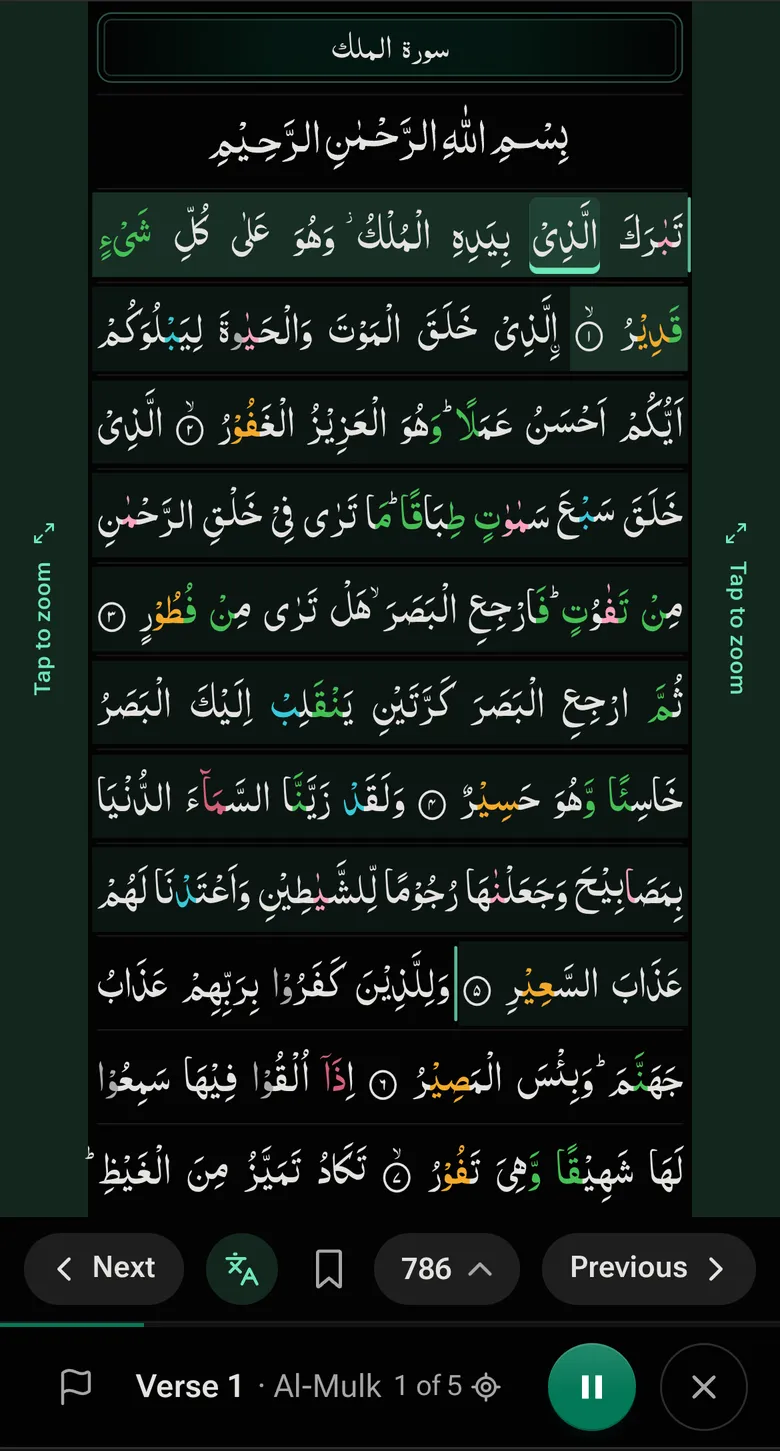
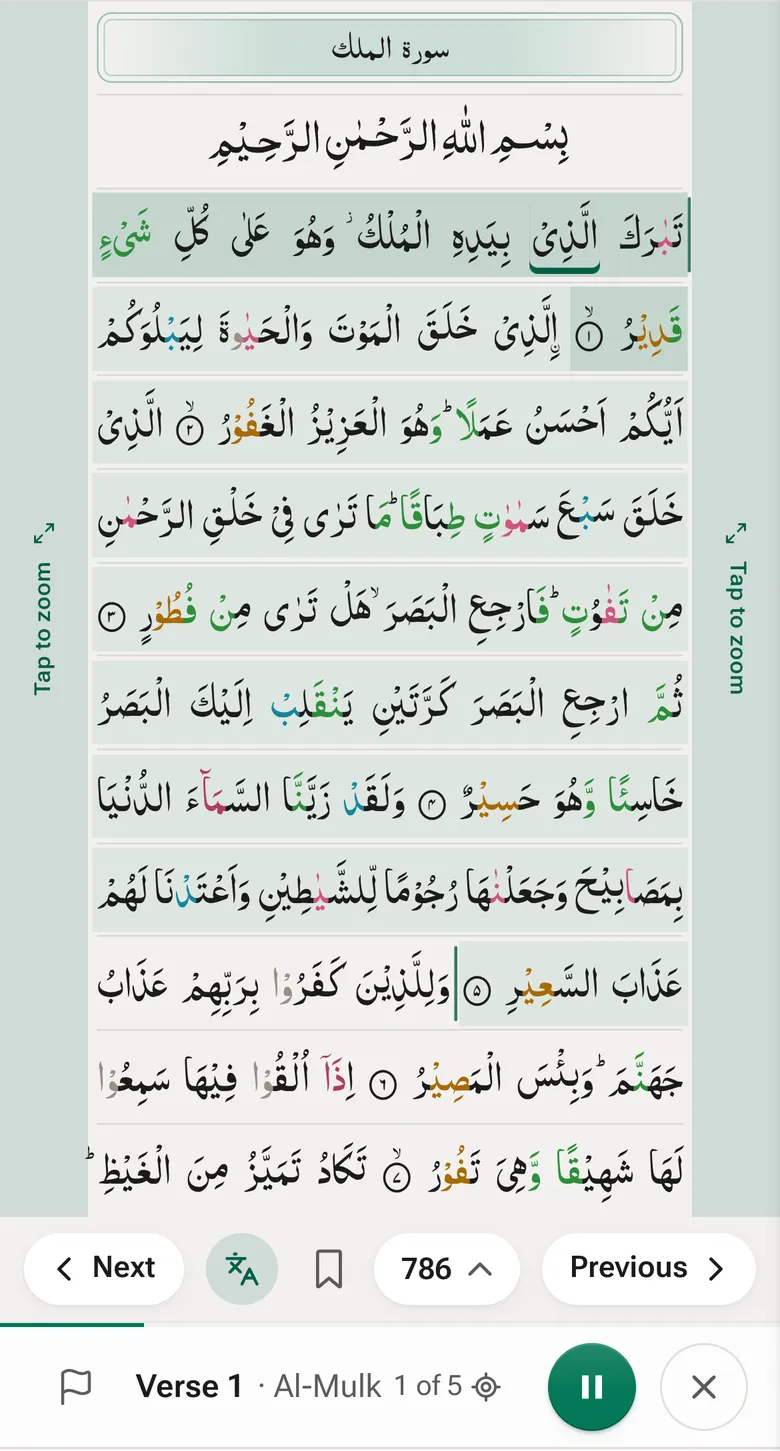
The 13-line Quran is the IndoPak mushaf with 13 lines on each page. Quran Loop shows the Taj Company print line for line as printed, so a verse sits where it does in your copy.
- 847 pages, 13 lines on each
- IndoPak script, the Nastaleeq-style letters of South Asian prints
- Juz 2 starts on page 28 and juz 30 on page 818
- Al-Kahf opens on page 407, Ya-Sin on 610, Ar-Rahman on 739 and Al-Mulk on 786
- Pages often end partway through a verse, as printed
13, 15 or 16 lines?
How the 13-line print differs from the 15- and 16-line
Fewer lines per page means more pages and longer juz. It also changes where a page ends. In both 15-line prints every page ends on a verse end. In the 13-line print most pages don’t, so a verse often carries over the page turn. If you learned from the 15-line, the 15-line Quran page is the one to open. The script itself is covered in Uthmani vs IndoPak script.
| Pages | A juz is | Al-Mulk opens on | Page ends mid-verse | |
|---|---|---|---|---|
| IndoPak 13-line Taj Company | 847 | ~28 pages | page 786 | Most |
| IndoPak 15-line Qudratullah | 610 | ~20 pages | page 562 | Never |
| IndoPak 16-line Taj Company | 548 | ~18 pages | page 508 | Most |
| Madani 15-line Madinah, King Fahd Complex | 604 | ~20 pages | page 562 | Never |
Page breaks inside a verse: 680 of 846 in the 13-line print, 441 of 547 in the 16-line, none in either 15-line print. A juz is the median number of pages from one juz start to the next.
The same verse on all four prints
Verse 7 of Al-Mulk, lit on the first page of the surah in each print. It sits on lines 12–13 of the 13-line page, line 11 of the IndoPak 15- and 16-line pages, and line 10 of the Madani page.
With audio
Listen to the 13-line page you’re learning
-
Pick IndoPak, 13 lines
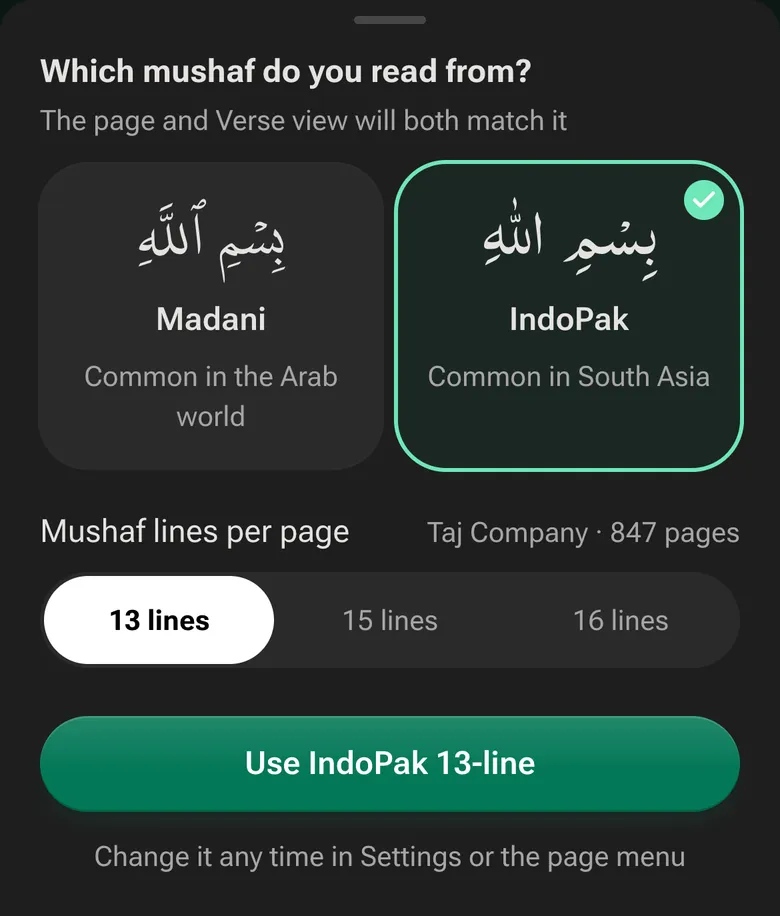
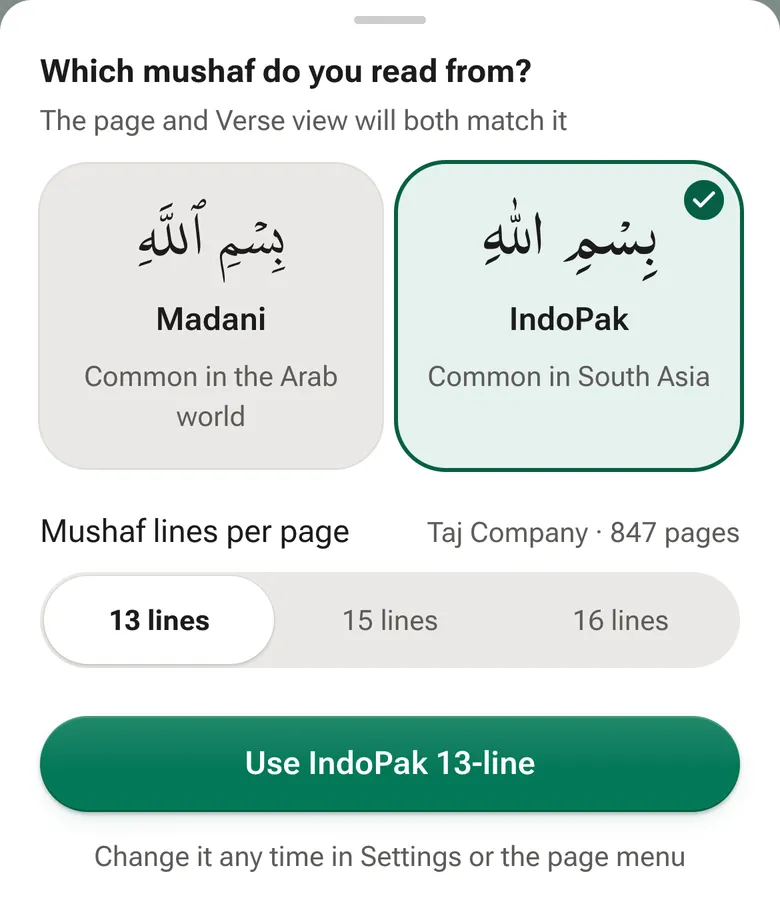
The first time you open the Mushaf it asks which one you read from. Choose IndoPak and 13 lines per page (Taj Company, 847 pages). Change it any time in the Aa menu.
-
Tap where your lesson starts and stops
Tap a verse, then the last one, or choose a few lines, half the page or the full page. Swipe to turn pages, as you would in a printed mushaf.
-
Press Loop
The reciter you picked reads those verses on repeat, and each word lights up on the page as it’s recited. Play each verse 3×, 10× or up to 100× before the next.
Why learn from the same page
Many huffadh say they see the page as they recite: which line a verse starts on, whether it sits near the top or the bottom. That’s why teachers say to keep to one mushaf. Reading research shows people remember roughly where on a page they read something, even without trying (Rothkopf, 1971). So Quran Loop plays your lesson on the page you’ll recite it from, and the sound and the place go in together.
Colour-coded tajweed on the page
Tajweed colours are on from the start, on the 13-line page too, and the colour key sits under the switch in the Aa menu. Turn them off for plain text.
- Silent (skip)
- Normal Madd (2)
- Permissible Madd (2–6)
- Obligatory Madd (4–5)
- Necessary Madd (6)
- Ghunna/ikhfa’
- Qalqalah (bounce)
Frequently asked questions
What is a 13-line Quran?
A printed mushaf with 13 lines of text on every page. The one in Quran Loop is the IndoPak 13-line from Taj Company: 847 pages in IndoPak script, with juz 2 on page 28 and Al-Mulk opening on page 786. Its pages are shorter than a 15-line page, so a juz runs about 28 pages and a page often ends partway through a verse.
Can I read the 13-line Quran online with audio?
Yes. Open the Mushaf, pick IndoPak and 13 lines, then tap a verse and press Loop. A reciter reads it with each word lit as it’s recited, and you choose how many times it repeats. Abdul Basit is the default reciter, and you can preview others before you switch. Reading and listening need no account.
Can I download the 13-line Quran as a PDF?
No. Quran Loop is a reader you open in the browser on a phone, tablet or computer, so there’s no PDF to download. What you get is the same 13-line pages on screen, with audio and loops. On most phones you can add it to your home screen, where it opens like an app.
How is the 13-line Quran different from the 15-line and 16-line?
Fewer lines mean more pages: 847 for the 13-line, 610 for the IndoPak 15-line and 548 for the 16-line. Juz runs about 28, 20 and 18 pages. In the 15-line prints a page always ends on a verse end; in the 13-line print most page breaks fall inside a verse. The 15-line page covers that print in full.
Can I memorize from the 13-line Quran with Quran Loop?
Yes, if it’s the print you learn from. Your loop is drawn on the page you’ll recite from, each verse repeats as often as you set, and verses you’re still learning can be marked weak to revise later. Loops are saved by verse, so one that runs over a page turn is still a single loop.
Does Quran Loop have the 15-line and 16-line prints too?
Yes. Under Mushaf lines per page you can switch to the IndoPak 15-line (Qudratullah, 610 pages) or 16-line (Taj Company, 548 pages), or to the Madani 15-line. Your loops and weak verses stay the same when you switch, because they’re saved by verse, not by page.
Open your page
Pick IndoPak and 13 lines, tap a verse, press Loop.
Open the 13-line QuranFree · No ads · No account needed to listen