

Mushaf online
The 15-line Quran online, page by page with audio
Quran Loop is a free web app that shows the 15-line Quran page by page, in the IndoPak and Madani prints, with audio. Press play and a reciter reads the page as each word lights up. Tap the verses you’re learning and they repeat until you know them.
Free · No ads · No account needed
Which 15-line Quran?
Two 15-line prints, both page for page
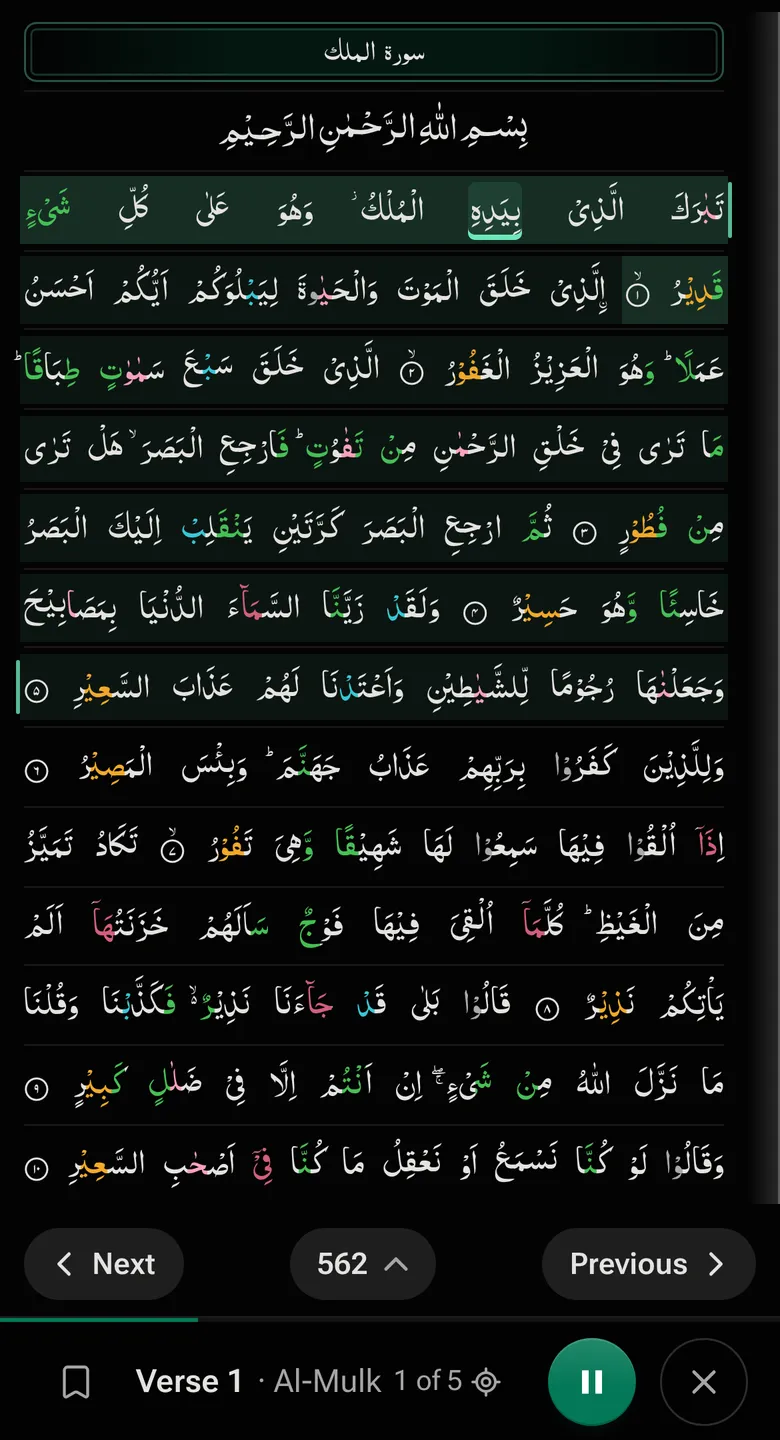
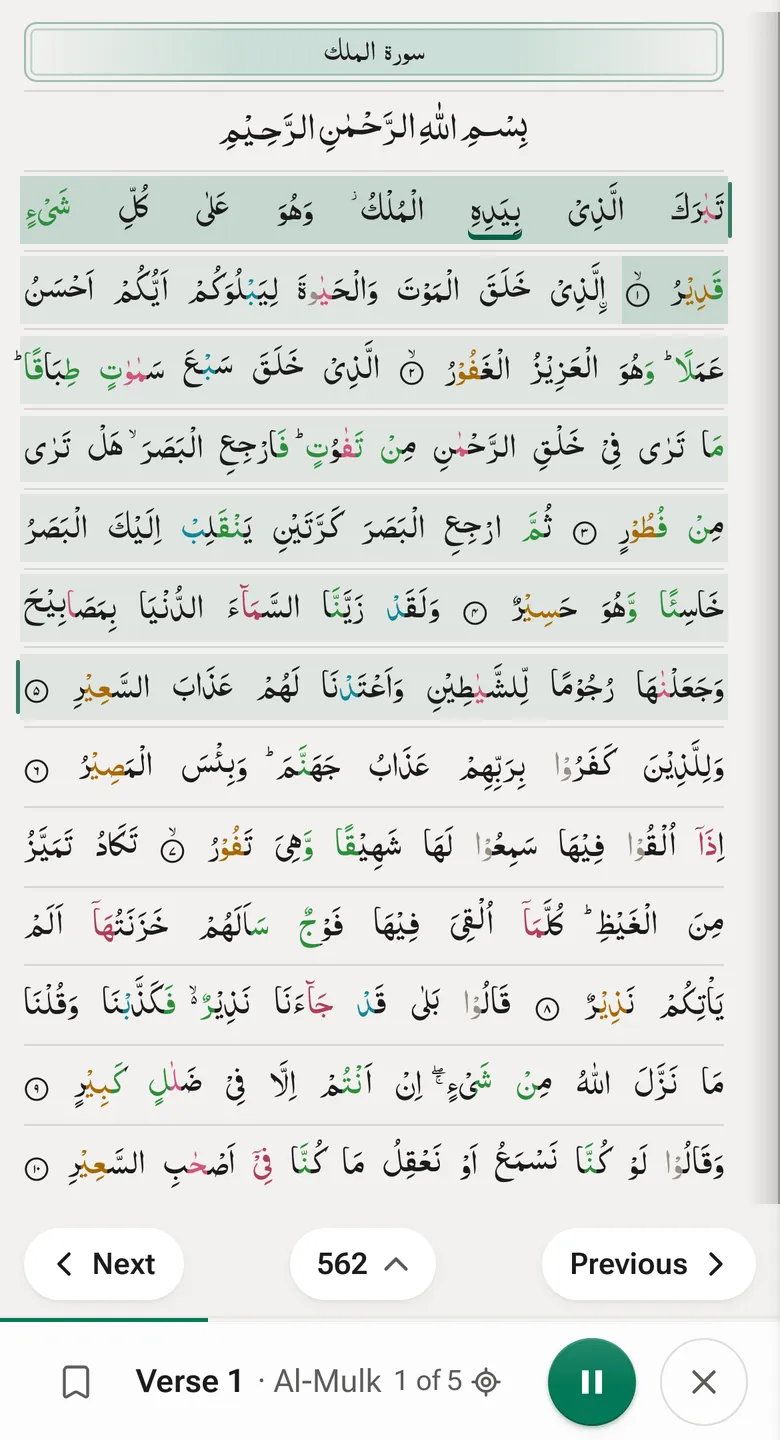
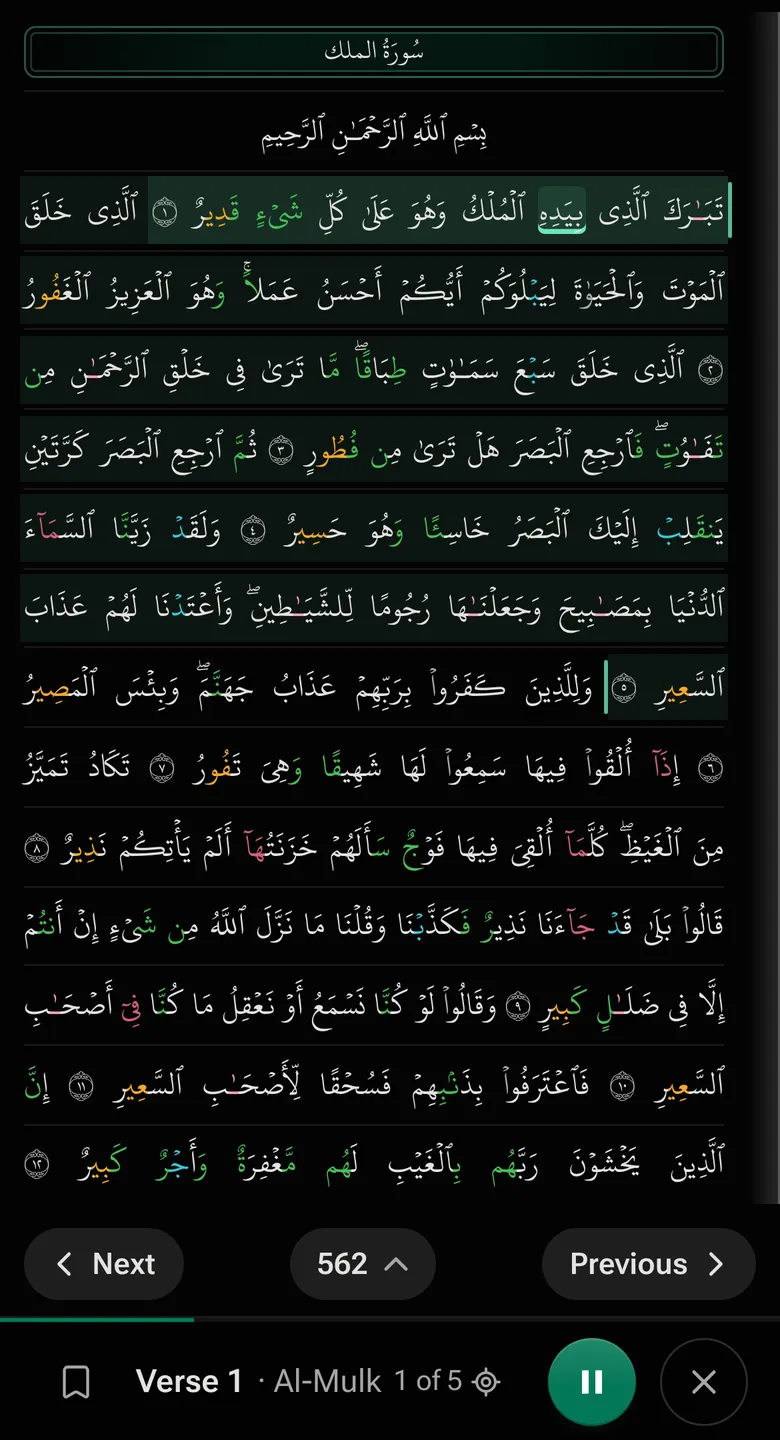
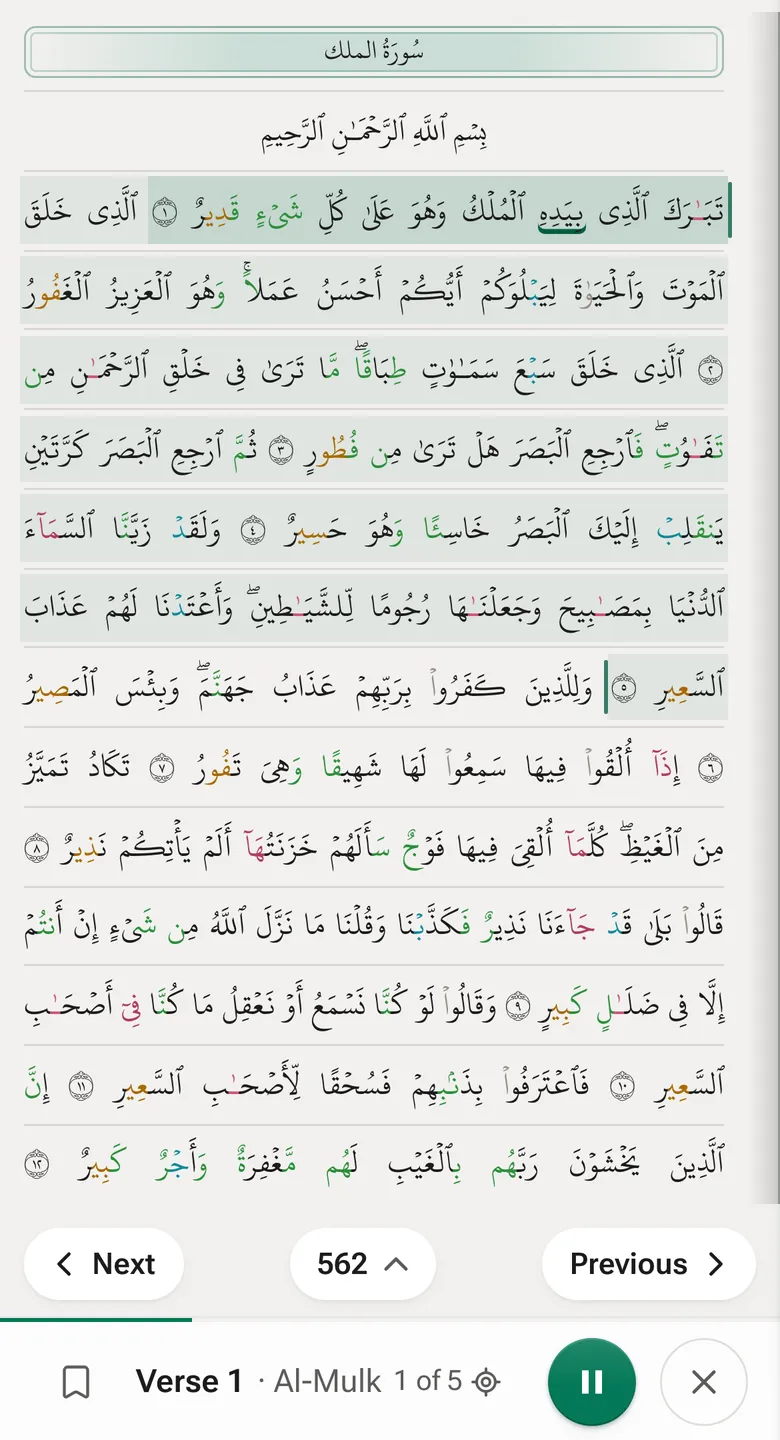
“15-line Quran” means one of two printed mushafs, depending on where you learned. Quran Loop has both, line for line as printed. In each, every page ends at the end of a verse and most juz are 20 pages: juz 2 starts on page 22, and Al-Mulk on page 562, in both.
-
IndoPak 15-line
Common in South Asian hifz classes
- The Qudratullah print, 610 pages
- IndoPak script, the Nastaleeq-style letters of South Asian prints
- Juz 30 starts on page 586
- The 15-line print many teachers call the hafizi Quran
-
Madani 15-line
Common in the Arab world and worldwide
- The Madinah print of the King Fahd Complex (1421 AH), 604 pages
- Uthmani script, as printed in Madinah
- Juz 30 starts on page 582
Learned from a different print?
The IndoPak 13-line is a separate book, with its own page numbers. Pick it in the Aa menu, or read about it first.
The 13-line Quran onlineWith audio
Listen to the page you’re memorizing
-
Pick your print
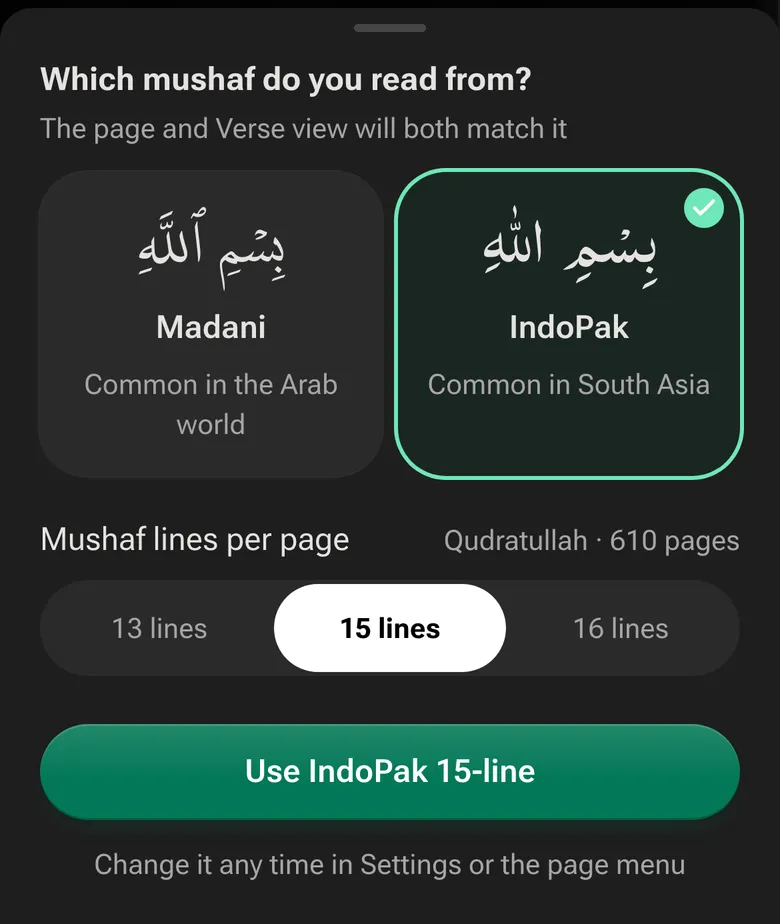
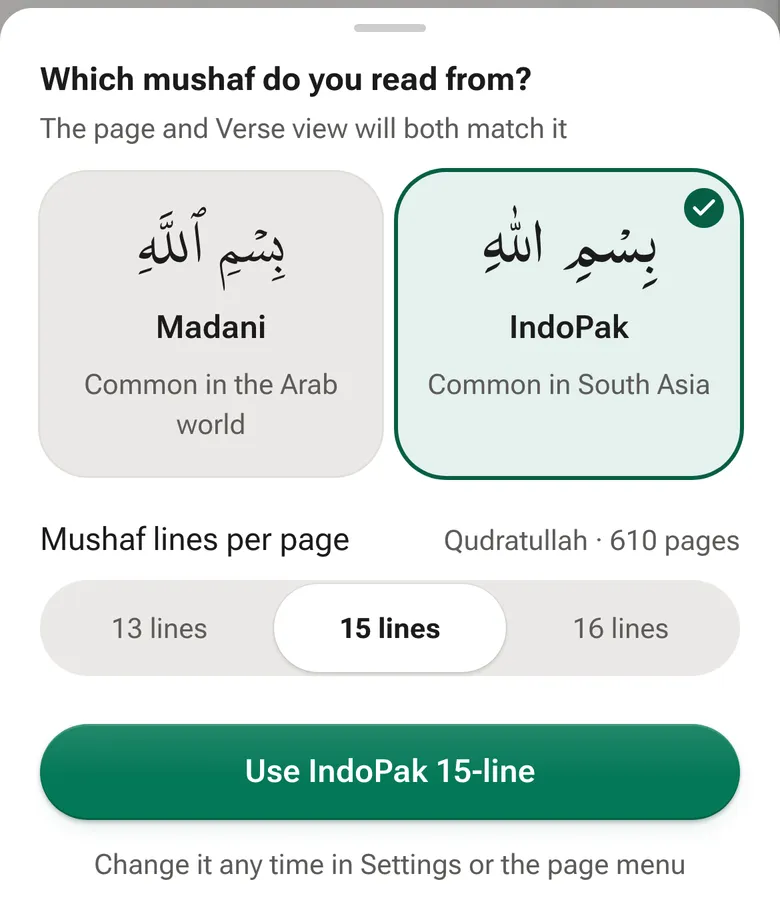
The first time you open the Mushaf it asks which one you read from. Choose IndoPak or Madani, and for IndoPak set 15 lines per page. Change it any time in the Aa menu.
-
Tap where your lesson starts and stops
Tap a verse, then the last one, or choose a few lines, half the page or the full page. Swipe to turn pages, as you would in a printed mushaf.
-
Press Loop
The reciter you picked reads those verses on repeat, and each word lights up on the page as it’s recited. Play each verse 3×, 10× or up to 100× before the next.
Why memorize from the same page
Many huffadh say they see the page as they recite: which line a verse starts on, whether it sits near the top or the bottom. That’s why teachers say to keep to one mushaf. Reading research shows people remember roughly where on a page they read something, even without trying (Rothkopf, 1971). So Quran Loop plays your lesson on the page you’ll recite it from, and the sound and the place go in together.
Colour-coded tajweed on the page
Tajweed colours are on from the start, in both 15-line prints, and the colour key sits under the switch in the Aa menu. Turn them off for plain text.
- Silent (skip)
- Normal Madd (2)
- Permissible Madd (2–6)
- Obligatory Madd (4–5)
- Necessary Madd (6)
- Ghunna/ikhfa’
- Qalqalah (bounce)
Frequently asked questions
What is a 15-line Quran?
A printed mushaf with 15 lines of text on every page. Two prints are common: the Madani 15-line from Madinah (604 pages) and the IndoPak 15-line used across South Asia (610 pages in the Qudratullah print). In both, a page ends at the end of a verse and most juz are 20 pages, which is why hifz students learn and revise by the page.
Is the 15-line Quran the same as the hafizi Quran?
Usually, yes. In South Asia, “hafizi Quran” means a 15-line IndoPak print laid out for memorizing, where each page ends on the end of a verse. Quran Loop’s IndoPak 15-line page is laid out that way. Publishers differ a little in where pages break, so compare a page you know with your own copy.
Can I listen to the 15-line Quran page by page?
Yes. Open a page, tap Full to select the whole page, and press Loop. A reciter reads it with each word lit as it’s recited, and you choose how many times it repeats. Abdul Basit is the default reciter, and you can preview others before you switch.
Does Quran Loop have other IndoPak prints, like the 13-line and 16-line?
Yes. Under Mushaf lines per page you can switch the IndoPak print to 13 or 16 lines. The 13-line Quran has its own page, with its own page numbers, and the 16-line is the Taj Company print of 548 pages. Your loops and weak verses stay the same when you switch, because they’re saved by verse, not by page.
Can I download the 15-line Quran as a PDF?
No. Quran Loop is a reader you open in the browser on a phone, tablet or computer, so there’s nothing to download. On most phones you can add it to your home screen, where it opens like an app.
Is it free?
Yes, with no ads. Reading and listening need no account. A free account keeps your weak verses, playlists and saved loops on every device.
Open your page
Pick your print, tap a verse, press Loop.
Open the 15-line QuranFree · No ads · No account needed to listen